
In web design, the most common client request is not “build me something from scratch.” It is “our current site looks outdated and does not work properly on mobile — can you help?” The problem is almost always the same: the site was built when the business was in a different stage, the design conventions of that era are now visibly dated, and the technical baseline — mobile responsiveness, HTTPS — is no longer met. The solution does not always need to be a full rebuild, but it does need to address the right problems.
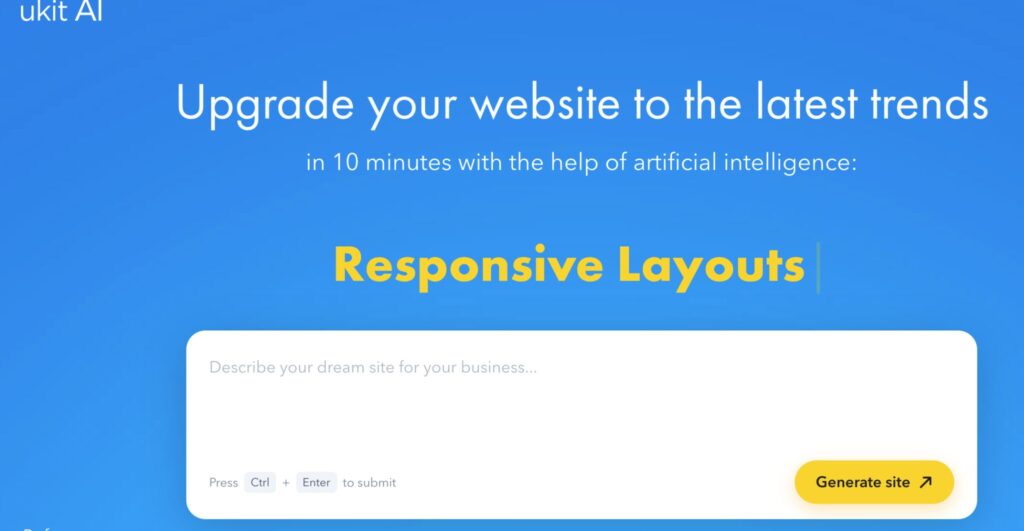
uKit AI is a practical tool for exactly this scenario. It starts from an existing website rather than a blank page, which means the business’s actual content is preserved while the presentation is modernized. Understanding what this means in practice — what changes, what does not, and what still needs a human to handle — is what makes the difference between using it effectively and using it incorrectly.
What the Tool Does
The workflow is direct: provide a URL to an existing website. uKit AI fetches and analyzes the page — its structure, its content, its technical state — and generates a modernized version inside the uKit website builder. The output has a mobile-responsive layout, HTTPS, cleaner underlying code, and visual conventions aligned with current standards. The original text content carries through; the frame it sits in is rebuilt.
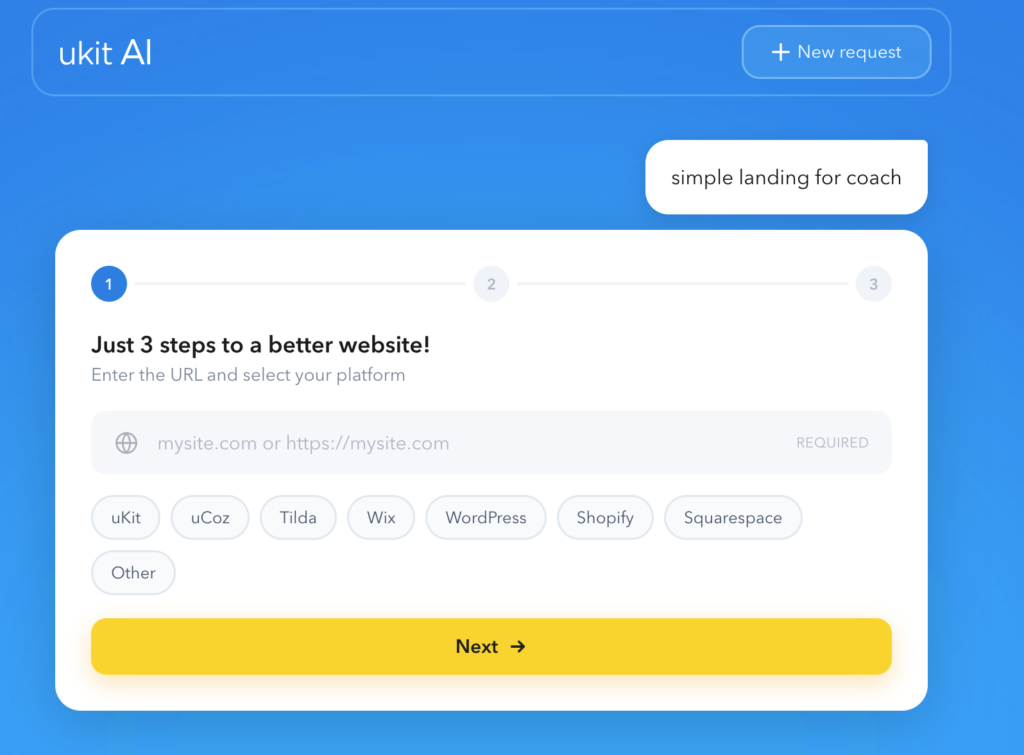
The whole process takes roughly ten minutes. The result is available for review before anything is published.
From a studio workflow perspective, this compresses the initial triage step significantly. Instead of manually auditing an old site and trying to scope a redesign from a client’s verbal description, you can generate a concrete reference in minutes. Everyone can see a version of what “modernized” looks like for this specific site — which makes the next conversation much more productive.
How It Fits Into a Studio Workflow
At Deer Web Design, we encounter two situations where this kind of tool is most useful.
Fast triage for clients with outdated sites. A client comes in with a site that has not been touched in years. The content is mostly current. The business has not changed dramatically. But the site displays poorly on a phone, runs on HTTP, and looks like it was built before responsive design was expected. Scoping a full custom redesign immediately is often more than the situation requires. Running the existing site through an AI upgrade gives both the studio and the client a fast, reviewable baseline — something real to evaluate rather than a hypothetical.
The conversation shifts from “what would you like the new site to look like?” — which is hard for most clients to answer usefully — to “here is a current version of your site; what would you change?” That is a dramatically more productive brief. Clients can point at specific sections and say what is missing or wrong, which turns vague input into actionable direction.
Scope definition for larger redesign conversations. For clients who are not sure what they actually need — refresh versus rebuild — an AI draft surfaces the real gaps. If the generated version looks mostly right and the client is satisfied, the project scope is a content review and accuracy pass. If the generated version exposes structural problems — wrong page hierarchy, missing service sections, no clear conversion path — that defines the scope of the actual redesign work more precisely than any amount of preliminary discussion.
What Clients Need to Understand Before Publishing
The AI upgrade is a presentation modernization, not a content audit. This distinction matters most to the clients who do not naturally separate the two.
Everything on the original site carries through into the new version. That includes accurate, current information — which is great. It also includes outdated service descriptions, old pricing references, location or hours that have changed, and copy that was written when the business had a different focus. The visual upgrade makes all of this look more authoritative and finished. That is a problem if the underlying information is wrong.
Before any AI-upgraded site goes live, the client needs to read every section of the output as if they are seeing it for the first time — as a new visitor would. Not “does this look right?” but “is this true and accurate as of today?” This review takes less time than it sounds, but it cannot be skipped.
For a site that has not been updated in several years, this review often reveals that the site is missing content that now exists — new services, recent clients, updated process information, testimonials that were never published. The upgrade creates a technically appropriate place for all of this. The content still has to come from the business.
The Structure Question
One thing the AI applies reliably is a sensible page structure for whatever is currently on the site. But “sensible given current content” is not always the same as “right for this business’s actual conversion goals.”
The pages a service business needs, and what belongs on each of them, is worth thinking through independently of whatever the original site had. A business that launched five years ago with a basic homepage and contact page may now need dedicated service pages, a portfolio section, a process explanation, and a testimonials block. None of that appears in the AI upgrade if it was not on the original site. The analysis in Service Business Website Structure: The 7 Pages You Need is a practical reference for evaluating whether the structure the AI produces is actually sufficient for where the business is now — or whether the redesign conversation needs to include new sections that were never on the original site.
The Pre-Launch Checklist
For any site coming out of an AI redesign process — whether AI-assisted or fully custom — a structured pre-launch review prevents the most common problems. The full checklist covers the complete set of checks. For an AI-upgraded site specifically, the highest-priority items are:
Content accuracy across every page — not just the homepage. Service descriptions, contact details, hours, and any information that changes over time.
Mobile testing on a real device. The AI-generated layout is responsive by design, but “responsive” and “fully tested” are different things. Submit the contact form on your actual phone. Check that the phone number is tappable and the navigation works without zooming.
A visible, specific call to action on the most important pages. The AI produces a layout with navigation and sections. Whether there is a clear, prominent CTA in the right position on each service page is a judgment call that needs a human pass.
Social proof that is actually visible above the fold. If the site has testimonials or client references, they should appear somewhere a visitor who has not decided to scroll will see them. The AI places these where they were on the original site, which may not be the most effective position.
The Platform Consideration
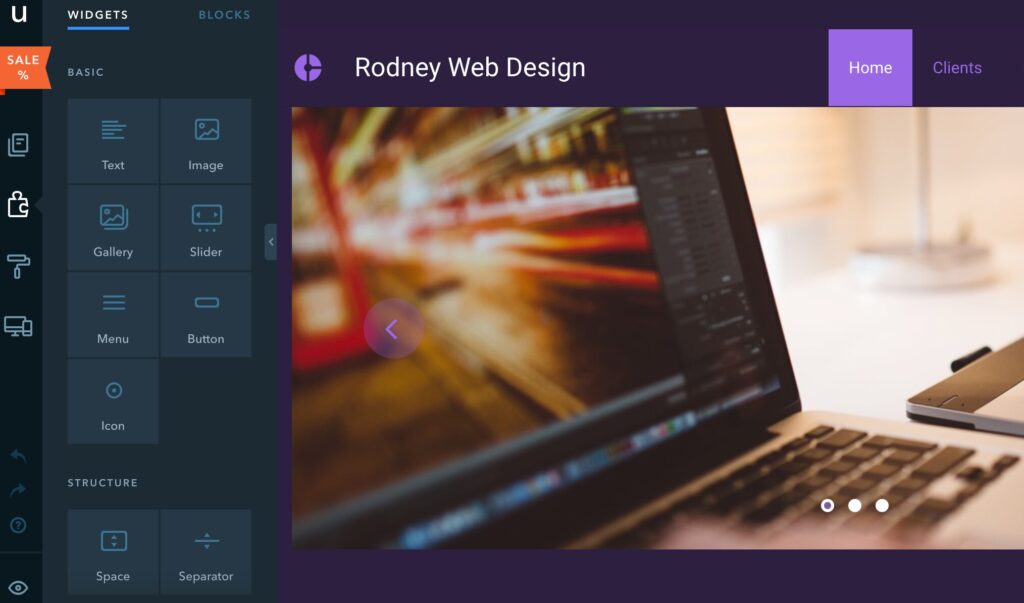
After an AI upgrade, the site lives in the uKit ecosystem. For most small business clients, this is a practical arrangement — the editing interface is manageable, content updates do not require developer involvement, and the platform’s built-in tools cover the common needs.
For clients who have specific technical requirements — a custom-built form with complex logic, integration with a CRM, membership or e-commerce features — the platform fit needs to be confirmed before the upgrade becomes the site’s long-term home. An AI redesign is a fast path to a modern site on a specific platform; it is not a neutral modernization that transfers anywhere.
Summary
uKit AI is a genuinely useful tool for a specific and common web design problem: a site that is technically outdated and content-sound, where the goal is to modernize the presentation without rebuilding everything from scratch. Used in the right situation — with a clear review step for content accuracy, a structural evaluation against current business needs, and a proper pre-launch checklist — it compresses a multi-week project into something that can be reviewed in an afternoon. The limitations are real and worth knowing in advance: no backend migration, platform-constrained output, no content improvement. Within its actual scope, it does what it promises reliably.